

≣ 목차
블로그 상단 프로그레스 바 꾸미기
✚
웹서핑 하다보면 블로그를 이쁘게 꾸민 분들이 많은데, 스크롤을 움직일 때마다 블로그 상단에 바가 늘어났다 줄어들었다
하는 걸 본적이 있을겁니다. 요즘 블로그 꾸미기의 한창인 저도 안 해볼수가 없기 때문에 스크립트와 같이 공유 드립니다.
참고로 저는 홈페이지 개발자도 아니고, 여러 고수분들의 블로그를 참고하기 때문에 오류에 대한 자세한 내용은
피드백이 어려울 수 있습니다. ㅠㅠ
그럼 블로그 프로그레스바 적용에 대해서 알아보겠습니다.
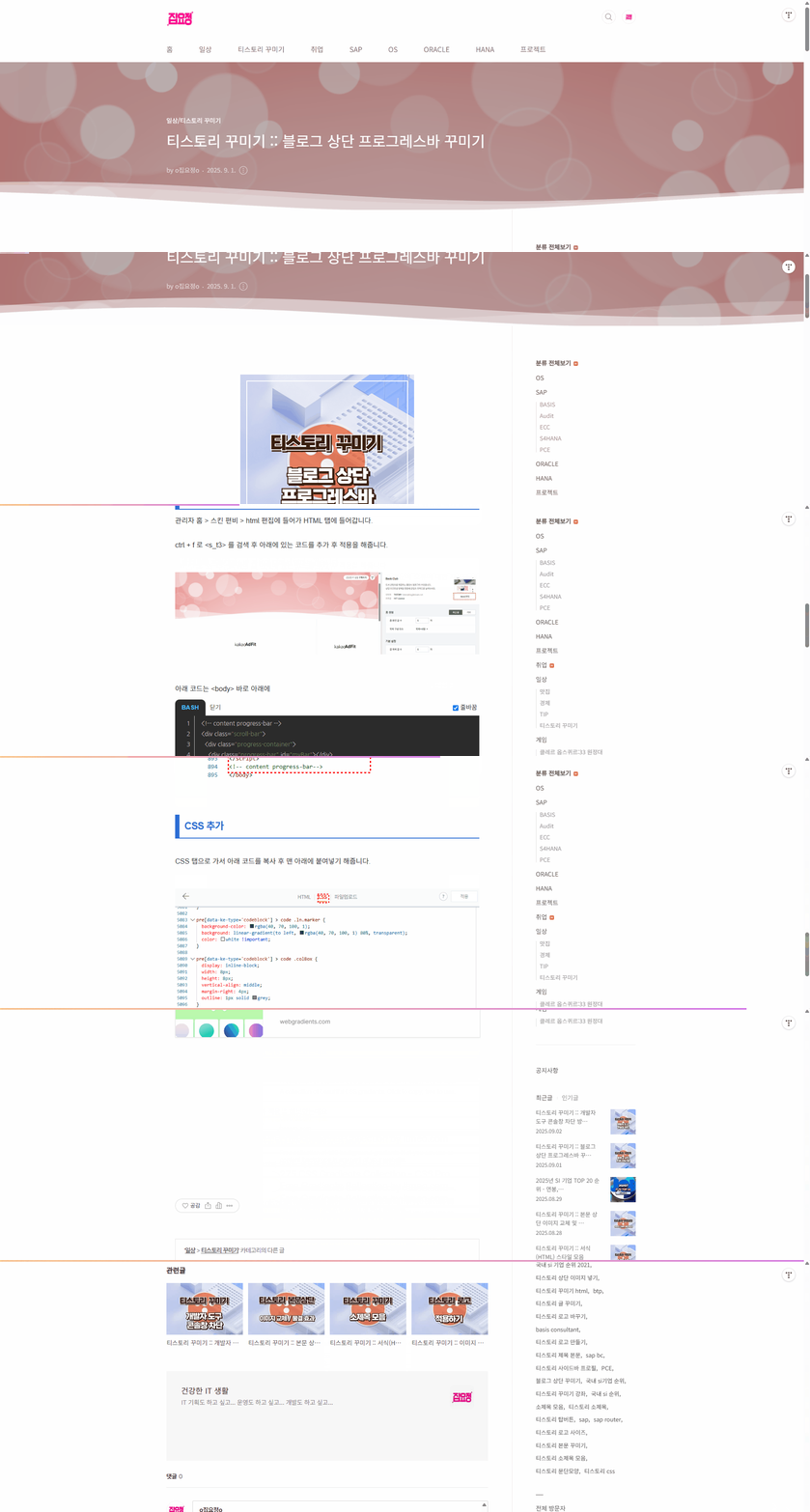
HTML 추가
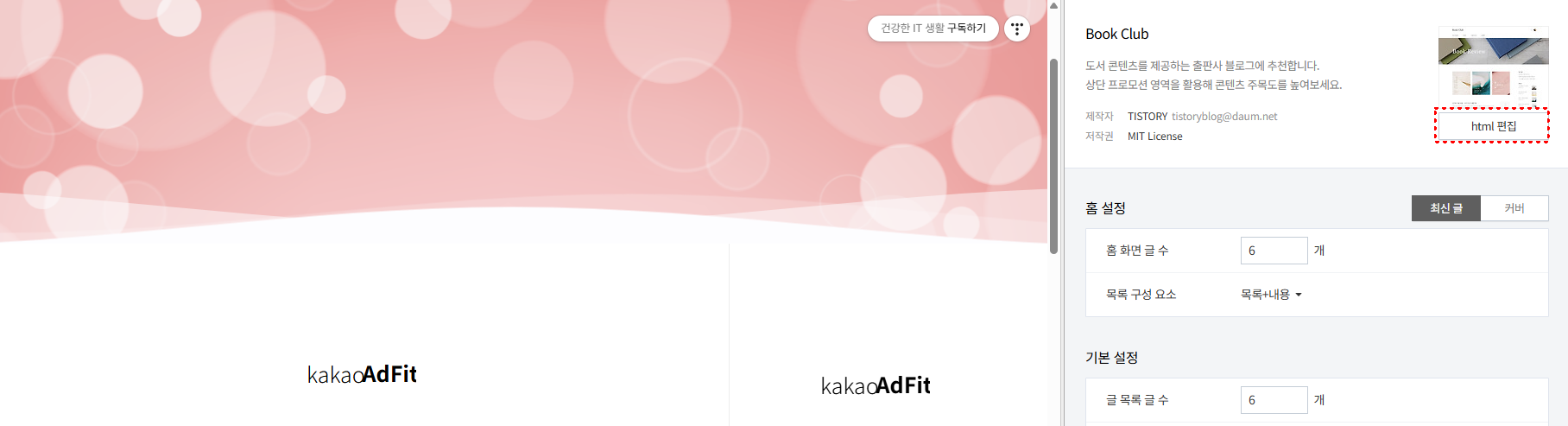
관리자 홈 > 스킨 편비 > html 편집에 들어가 HTML 탭에 들어갑니다.
ctrl + f 로 <s_t3> 를 검색 후 아래에 있는 코드를 추가 후 적용을 해줍니다.
아래 코드는 <body> 바로 아래에
<!-- content progress-bar -->
<div class="scroll-bar">
  <div class="progress-container">
    <div class="progress-bar" id="myBar"></div>
  </div>
</div>
<!-- content progress-bar -->

아래 코드는 </body> 위에 붙여넣기를 해줍니다.
<!-- content progress-bar-->
<script>
    $(window).scroll(function() {
	  var wins = $(this).scrollTop();
	  var hei = $('#content').outerHeight();
	  var hei2 = $(window).outerHeight();
	  var height = hei - hei2;
	  var bar = (wins / height) * 100;

	  $('#myBar').css('width', bar + '%');
	});
</script>
<!-- content progress-bar-->

CSS 추가
CSS 탭으로 가서 아래 코드를 복사 후 맨 아래에 붙여넣기 해줍니다.

/* content progress-bar */
.scroll-bar {
  position: fixed;
  top: 0;
  z-index: 9999;
  width: 100%;
}

.progress-container {
  width: 100%;
  height: 2px; /* 로딩바 굵기 */
  background: none;
}

.progress-bar {
  height: 2px; /* 로딩바 굵기 */
  background: #ffb8b8; /* 로딩바 색상 */
  width: 0%;
  transition: all .1s ease;
}
마무리
티스토리 상단 바 프로그레스 바 적용을 해보았는데요.
아래 그라데이션 사이트에서 본인이 원하는 색상을 찾아변경 해보시기 바랍니다.
2025.08.08 - [일상/티스토리 꾸미기] - 티스토리 프로그레스바 TOP 버튼 만들기
티스토리 프로그레스바 TOP 버튼 만들기
프로그레스바 TOP 버튼 만들기 안녕하세요. 오늘은 티스토리 꾸미기를 해보겠습니다. 밋밋할수 있는 포스팅에 프로그레스바 버튼을 만들어 주면 세련된 화면을 연출 할 수 있으니, 한번 도전해
ygwoo84.tistory.com
그라데이션 색상 사이트
https://csspro.com/css-gradients?ref=css-3d-buttons-bottom
275 CSS Gradients Collection - CSS Pro
A collection of beautiful CSS gradients. Click to copy, free to use.
csspro.com
Free Gradients Collection by itmeo.com
Free collection of 180 background gradients that you can use as content backdrops in any part of your website.
webgradients.com
'티스토리 꾸미기' 카테고리의 다른 글
| 티스토리 꾸미기 :: 본문 이미지 효과 주기 (29) | 2025.09.03 |
|---|---|
| 티스토리 꾸미기 :: 개발자 도구 콘솔창 차단 방법 (32) | 2025.09.02 |
| 티스토리 꾸미기 :: 본문 상단 이미지 교체 및 물결 효과 (20) | 2025.08.28 |
| 티스토리 꾸미기 :: 서식(HTML) 스타일 모음 (20) | 2025.08.27 |
| 티스토리 꾸미기 :: 이미지 로고 적용하기 (27) | 2025.08.26 |


